
On the Night
Run the Draw
The whole draw, start to finish.
Warm the room up (optional)
Show Holding Screenputs a "Starting Soon" screen up on Signage before you begin.Start Draw
Spins through the ticket range and lands on a winner, automatically skipping numbers already drawn this session.
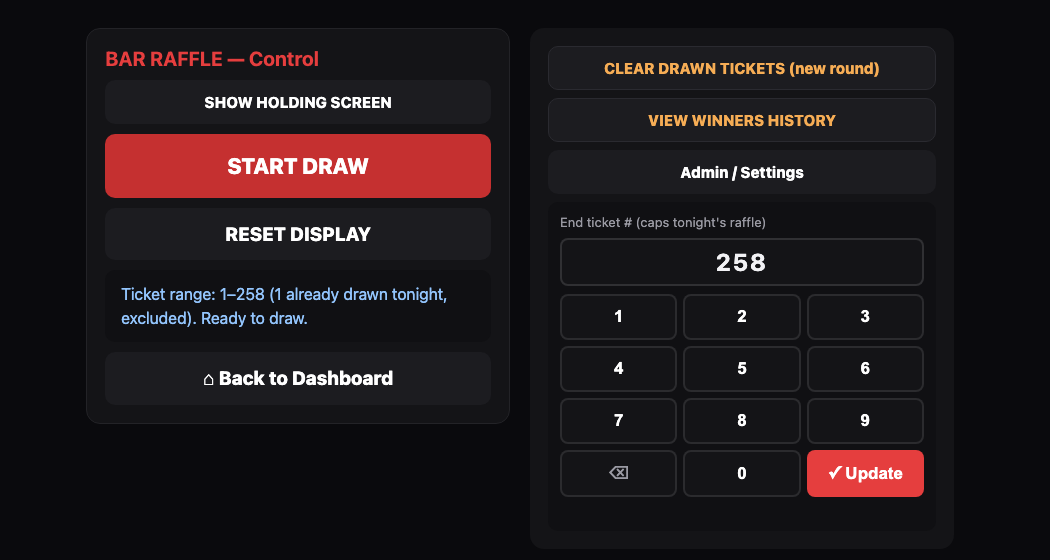
The Raffle control panel, with the End Ticket # keypad on the right. Starting a new round?
Clear Drawn Ticketsresets the "already drawn" list without touching Winners History (confirm-gated).Reset Display
Clears the screen back to idle.

The raffle screen, ready to draw. Check Winners History
Available any time from More Options.
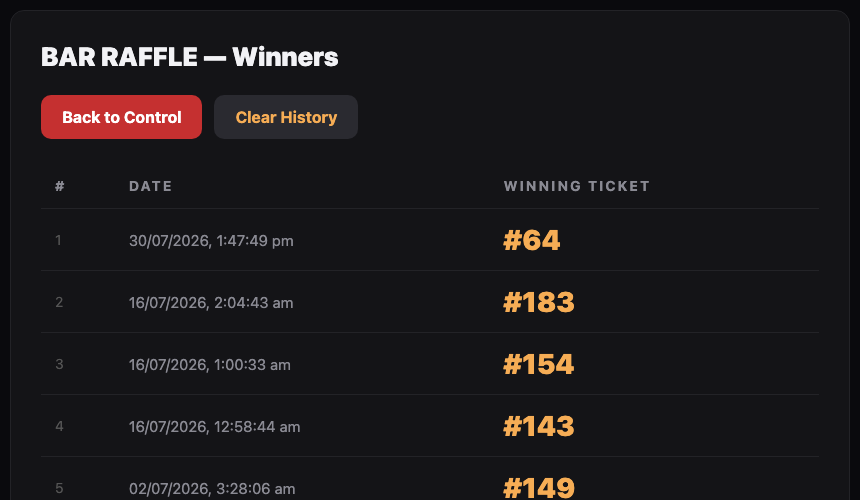
Winners History lists every winning ticket.
Still stuck?Send us a ticket and the JJJK team will get back to you.
Submit a ticket